
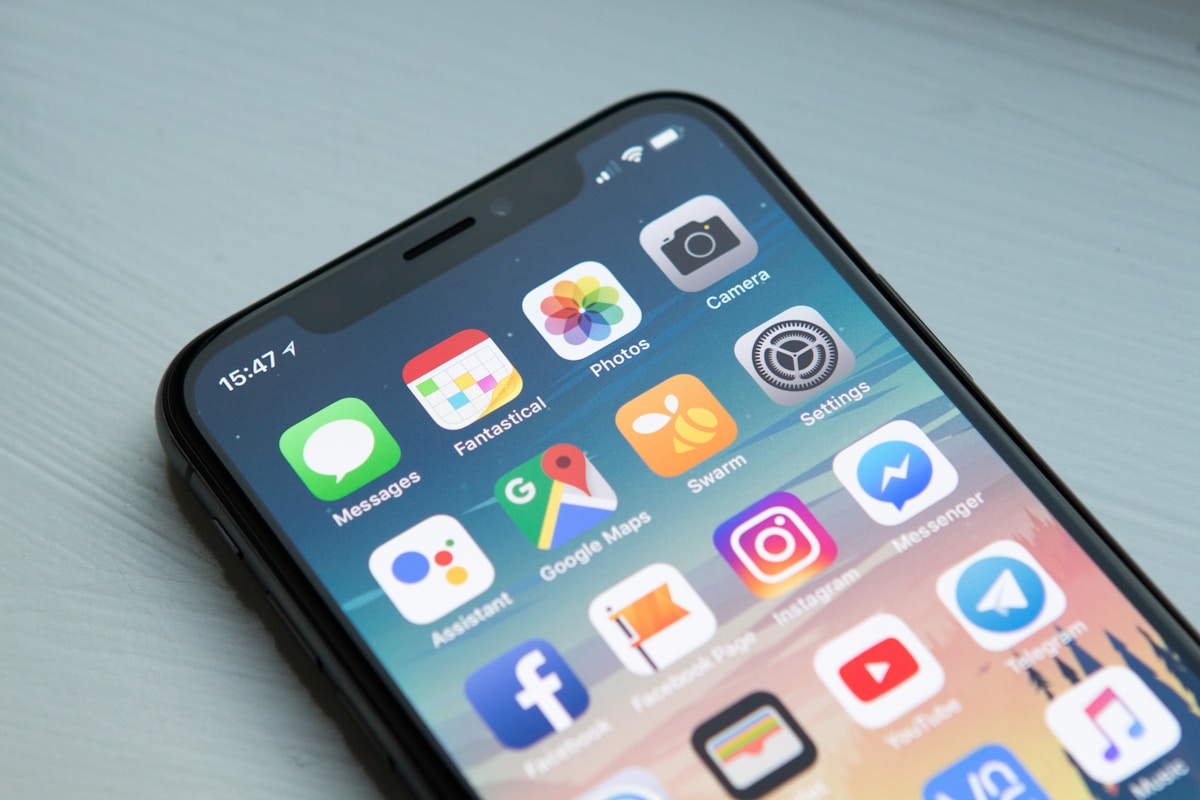
Your phone buzzes with a text that looks exactly like your bank: “Suspicious activity detected. Verify your account now or it will be locked.” Your heart jumps, your thumb moves toward the link — and that split second is exactly what the scammer is counting on. Bank scams no longer look sloppy. They use your bank’s logo, your name, and a believable sense of urgency, and they arrive by text, email, and phone call. This guide shows you how to protect your bank account from scams with the Verify-Before-You-Trust Checklist, a simple system that turns every unexpected bank message into a 30-second test before you click, reply, or share anything.
TL;DR:
- The rule: never trust an unexpected bank message at face value — verify it through a channel you choose, not one the message gives you.
- The 30-Second Scam Test: Was it unexpected? Does it demand urgency or secrecy? Does it ask you to click, share a code, or move money? Two “yes” answers mean stop.
- The protocol: Hang Up, Look Up, Call Back — hang up, find your bank’s real number yourself, and call back.
- The lockdown: turn on transaction alerts, multi-factor authentication, and a strong unique password today, before anything happens.
- If you already clicked or shared details: call your bank immediately, change your password, and report it — speed matters more than embarrassment.
Why Bank Scams Work So Well Now
They borrow trust you already have
A scammer does not need to convince you that a stranger deserves your money. They only need to convince you, for a few seconds, that they are your bank. Caller ID can be spoofed to show your bank’s real number, email addresses can be faked to look official, and text messages can land in the same thread as genuine messages from your bank. The FTC notes phishing messages often invent a story — suspicious activity or a payment to confirm — to make you act before you think.
Urgency is the weapon
Almost every bank scam creates a deadline: your account will be closed in 24 hours, a payment is about to go through, your card has been blocked. Urgency shuts down careful thinking, which is why it appears in nearly every scam script. The moment a message makes you feel rushed or afraid, treat that feeling itself as a warning sign. Real banks do not pressure you to act in minutes, and they never ask you to keep a problem secret.
The three channels scammers use most
Phishing emails pretend to be account alerts and link to fake login pages that steal your password. Smishing texts do the same thing by SMS, often claiming a delivery problem or a locked account. Vishing calls use a live caller — or an automated voice — claiming to be bank security, and they talk victims into reading out one-time codes or moving money to a “safe account.” There is no safe account. A real bank will never ask you to move your money to protect it.
The Verify-Before-You-Trust Checklist
This is the heart of the system. Run through it every time you get an unexpected message about your money, no matter how real it looks.
Step 1 — Stop and breathe
Do not click the link, do not reply, and do not call the number in the message. Put the phone down for ten seconds. Scammers rely on reflex; a ten-second pause breaks it. If the message claims a payment is about to leave your account, remember that checking your account through your own app takes less than a minute and tells you the truth.
Step 2 — Run the 30-Second Scam Test
Ask yourself three questions. If two or more answers are yes, treat the message as a scam until proven otherwise.
| Question | Scam signal | Genuine message |
|---|---|---|
| Was it unexpected? | You were not waiting for a message from your bank | You requested a code or an alert yourself |
| Does it demand urgency or secrecy? | “Act now or lose access” or “do not tell anyone” | Routine information with no threat or deadline |
| Does it ask you to click, share a code, or move money? | A link, an attachment, a one-time code, or a transfer request | A notice telling you to log in via your own app |
Step 3 — Hang Up, Look Up, Call Back
This is the protocol that defeats almost every bank scam. Hang up on the caller or ignore the message. Look up your bank’s number yourself — from the back of your card, your bank’s official app, or a number you have used before. Then call back and ask whether there is really a problem. Never use a number, link, or email address supplied in a suspicious message, because that channel is controlled by the scammer.
Step 4 — Check your account yourself
Open your bank’s official app or type its website address into your browser yourself. Look at recent transactions and alerts. If there is genuinely a problem, it will show up there. This habit — checking through your own route, never through a message’s link — is the single most protective banking habit you can build. It also pairs well with reading your bank statement regularly, so unfamiliar transactions stand out quickly.
The 7 Most Common Bank Scams (and Their Tell)
The account-locked text
“You must verify your identity or your account will be closed.” The tell: a link to a lookalike website, often with a slightly misspelled domain. Real banks may text you alerts, but they do not send login links you must click to avoid closure.
The fake fraud-department call
A caller says someone is draining your account and you must move your money to a safe account, or read out the code just texted to you. The tell: a real bank employee will never ask for your password, a one-time code, or a transfer to protect your money. Hang up and call back on a number you trust.
The overpayment or refund trick
A “buyer” or “support agent” sends too much money and asks you to return the difference, or a refund appears that you must confirm with your login details. The tell: the original payment is fake or reversible, while the money you send back is real and gone.
The fake bank app or support number
Search results and social media ads can promote fake support numbers and copycat apps. The tell: the app is outside the official app store, or the support number differs from the one on your card. Only download banking apps from the official Apple App Store or Google Play Store, and only call numbers printed on your card or inside the official app.
The check or wire transfer request
Someone you met online, or a “job” that pays you to move money, asks you to deposit checks and forward funds. The tell: moving money for someone else is money laundering, even if you did not know it, and the checks will bounce weeks later.
The government or tax impersonation call
A caller claims to be from a tax authority or law enforcement agency and says your bank account will be frozen unless you pay immediately, often with gift cards or wire transfers. The tell: government agencies do not demand payment by gift card, and a real freeze would come through your bank, not a threatening phone call.
The social media “bank support” account
You complain about your bank online and a helpful-looking account replies asking you to send your account details by direct message. The tell: real banks do not resolve account problems through random direct messages, and the account is usually newly created with few followers.
The 10-Minute Account Lockdown
Do this once, today, and your account becomes a much harder target. Work through the list in order.

| Setting | What to do | Why it helps |
|---|---|---|
| Transaction alerts | Turn on instant alerts for every card payment, transfer, and login | You spot fraud in minutes, not at month-end |
| Multi-factor authentication | Switch on app-based or text-code verification for login | A stolen password alone is no longer enough |
| Unique password | Use a long password used nowhere else, stored in a password manager | One leaked password cannot open your bank too |
| Card controls | Set spending limits and lock or freeze cards in the app when not in use | A stolen card number becomes far less useful |
| Paperless statements | Switch to electronic statements and check them monthly | Mail theft cannot deliver your account details |
| Contact details check | Confirm your phone number and email on file are current | Alerts and recovery codes actually reach you |
Small habits that close big gaps
Never log in to your bank on public Wi-Fi without a VPN, and always log out on shared devices. Keep your phone’s operating system and banking app updated, because updates patch the security holes scammers exploit. And keep your bank’s real phone number saved in your contacts — when panic hits, you will call the saved number instead of the one in a scam message. See also our guide on what FDIC insurance covers and how it protects your money. For more independent guidance, see the fraud and scams resources from the CFPB. If a bank’s controls fall short, switching banks safely is worth considering.
What to Do If You Already Clicked or Shared Details
Acting fast matters far more than feeling embarrassed. Scammers count on shame delaying the call to the bank. Use this playbook in order.

Step 1 — Call your bank immediately
Use the number on your card or in the official app. Tell them exactly what happened: what you clicked, what you shared, and whether you moved money. Ask them to freeze the card or account, reverse any unauthorized transactions, and note the fraud on your file.
Step 2 — Change your passwords
Change your banking password first, then any other account that shared the same password. Turn on multi-factor authentication if it was off. If you entered details on a fake site, assume that password is compromised everywhere you reused it.
Step 3 — Check and lock your credit
Review recent transactions line by line, and check your credit report for accounts you did not open. If your Social Security number or identity details were exposed, consider placing a fraud alert or credit freeze with the major credit bureaus. The FTC’s IdentityTheft.gov site walks through a personalised recovery plan based on what was exposed.
Step 4 — Report it
Report phishing emails to the Anti-Phishing Working Group at reportphishing@apwg.org, forward phishing texts to SPAM (7726), and report the scam to the FTC at ReportFraud.ftc.gov. If money was stolen online, file a report with the FBI’s Internet Crime Complaint Center. Reporting helps investigators connect cases and warn others, even when recovery is not possible.
Step 5 — Warn your circle
Tell family and friends the exact message you received. Scammers often target whole contact lists, so walk older relatives through the Hang Up, Look Up, Call Back protocol while the example is fresh.
Your Bank Scam Protection Checklist
- Save your bank’s real phone number in your contacts today.
- Turn on transaction alerts and multi-factor authentication.
- Use a unique banking password, stored in a password manager.
- Never click a bank link from an unexpected text or email.
- Never share a one-time code, full password, or PIN with anyone who contacts you.
- Never move money to a “safe account” — it does not exist.
- Check your account through your own app, not through a message’s link.
- Review your statement monthly for transactions you do not recognise.
- Report every scam attempt, even if you did not fall for it.
Frequently Asked Questions
Will my bank ever text me a link to log in?
Legitimate banks may send alerts, but you should still avoid logging in through a texted link. Open your bank’s app or type its address yourself. If a message pressures you to use its link urgently, that urgency is itself a red flag.
What should I do if a caller already knows some of my details?
Do not be reassured. Scammers buy leaked personal details — names, addresses, partial account numbers — cheaply, and they use them to sound legitimate. Knowing one true fact about you does not prove a caller is your bank. Hang up and call back on a number you trust.
Can a scammer steal money if I only clicked a link?
Clicking alone rarely transfers money, but the fake login page it leads to can steal your password, and malicious attachments can install malware. If you clicked, do not enter any details, close the page, run a security scan, and change your password from a clean device.
Is it safe to bank on my phone?
Yes, provided you use the official app from the official app store, keep your phone updated, use a screen lock, and avoid public Wi-Fi for banking. A phone with biometric login and multi-factor authentication is generally safer than an old desktop browser with a reused password.
How long do I have to report bank fraud?
Report it the moment you notice it. Banks investigate unauthorized transactions faster when they are reported promptly, and some protections have time limits — often 60 days from the statement date for electronic transfers in the US. Waiting weeks can weaken your claim, so call the same day you spot something wrong.
Conclusion: Make Verification Your Reflex
You do not need to become a cybersecurity expert to protect your bank account. You need one reflex: verify before you trust. Pause for ten seconds, run the 30-second test, and call your bank back on a number you found yourself. Set up the 10-minute lockdown today, while nothing is wrong, and share the checklist with someone who might need it. If this guide helped, subscribe to the HopProg newsletter for one practical money guide each week, and learn more about who we are on the About page. Questions? Visit Contact.
Disclaimer: This article is for education only and is not financial advice. Learn more on our Disclaimer page. Scam tactics and bank policies change frequently, and rules vary by country — always confirm the current process with your own bank before acting. If you believe you are a victim of fraud, contact your bank and local law enforcement promptly.